Guide · 2 min
Install SpoolBoss on your phone
Put SpoolBoss on your home screen so it opens like any other app, and keep the same farm on every device.
- 01
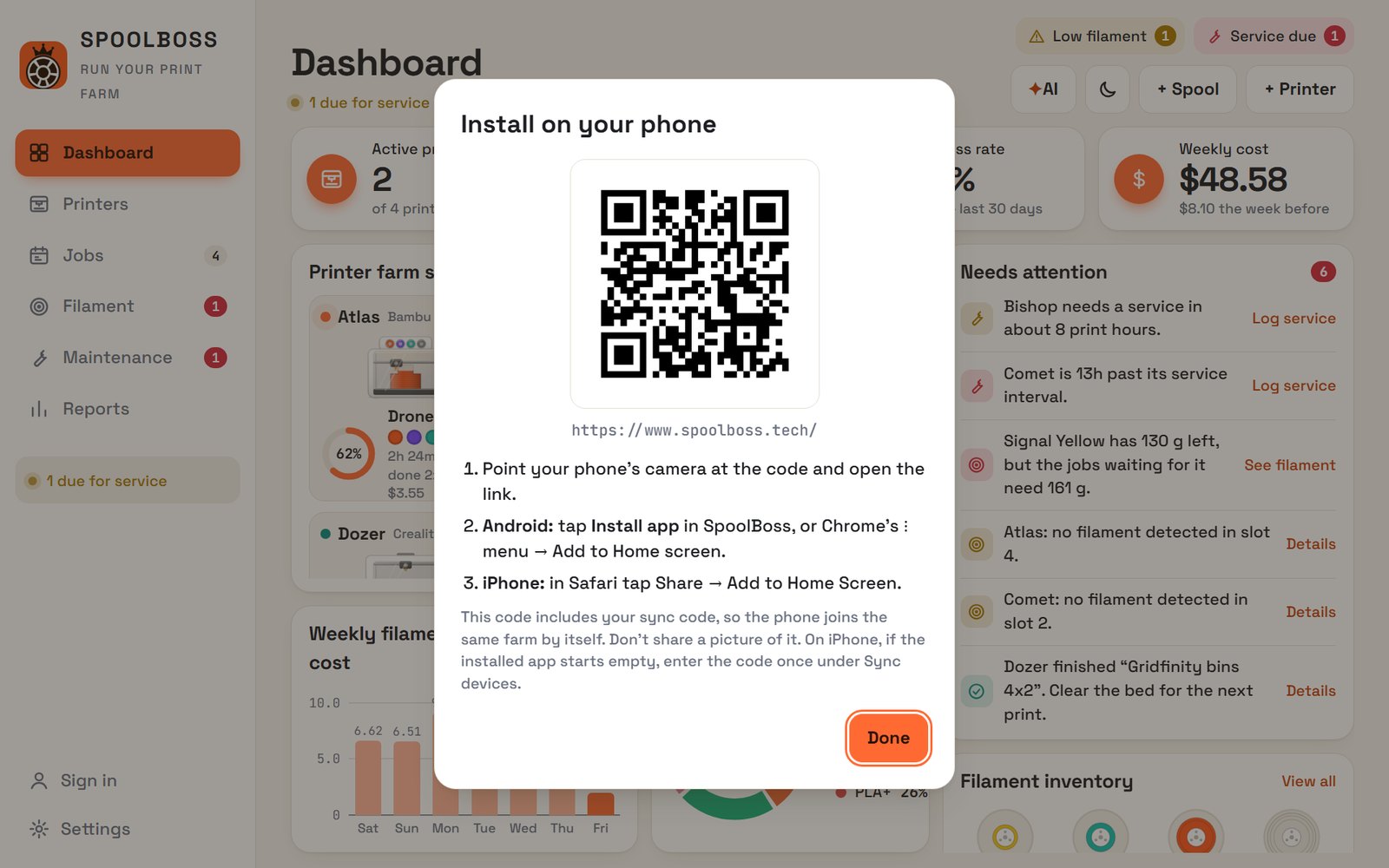
Show the QR code
On your computer, open Settings → Install on phone. A QR code appears.
- 02
Scan it
Point your phone's camera at the code and open the link.
- 03
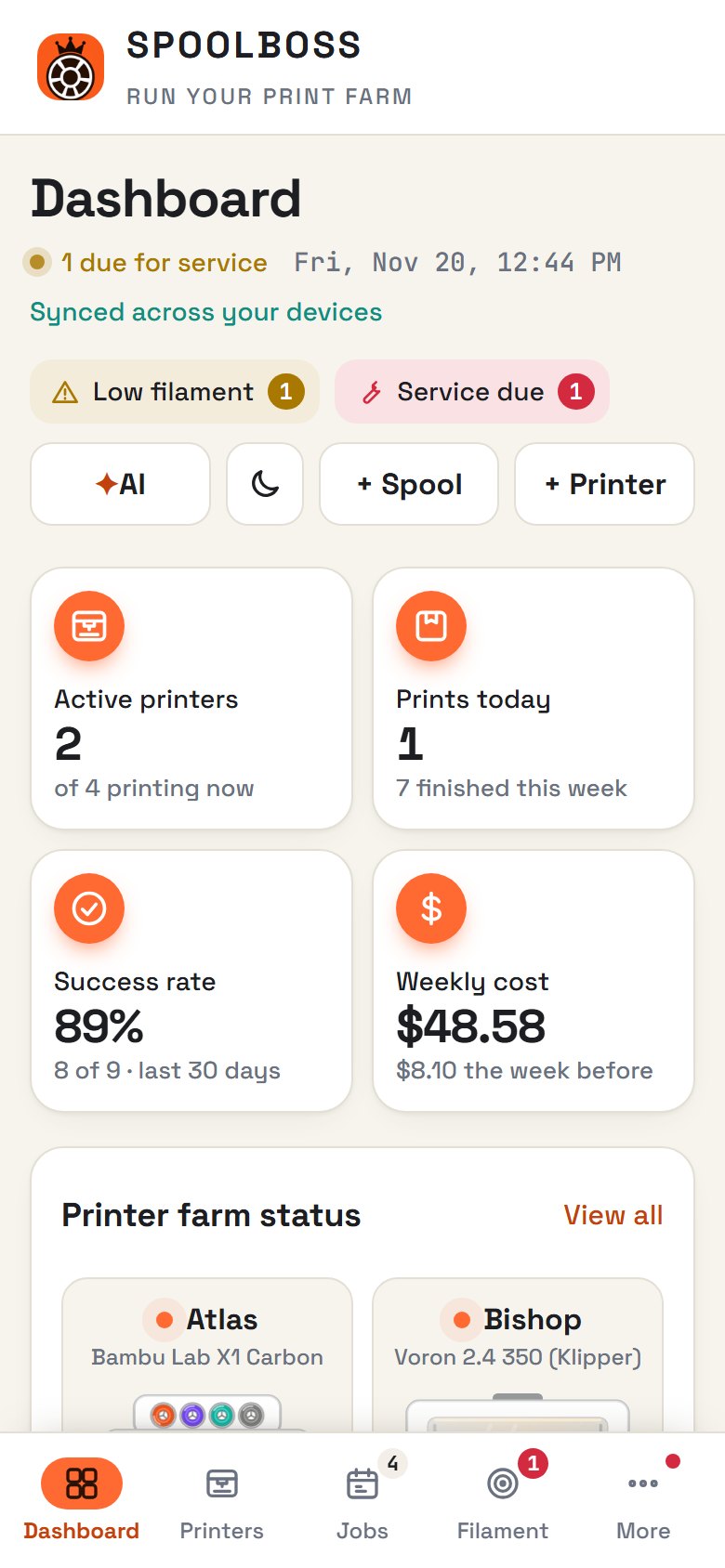
Add it to your home screen
On Android, tap Install app in SpoolBoss, or Chrome's menu → Add to Home screen. On iPhone, tap Share in Safari → Add to Home Screen.
- 04
Sign in
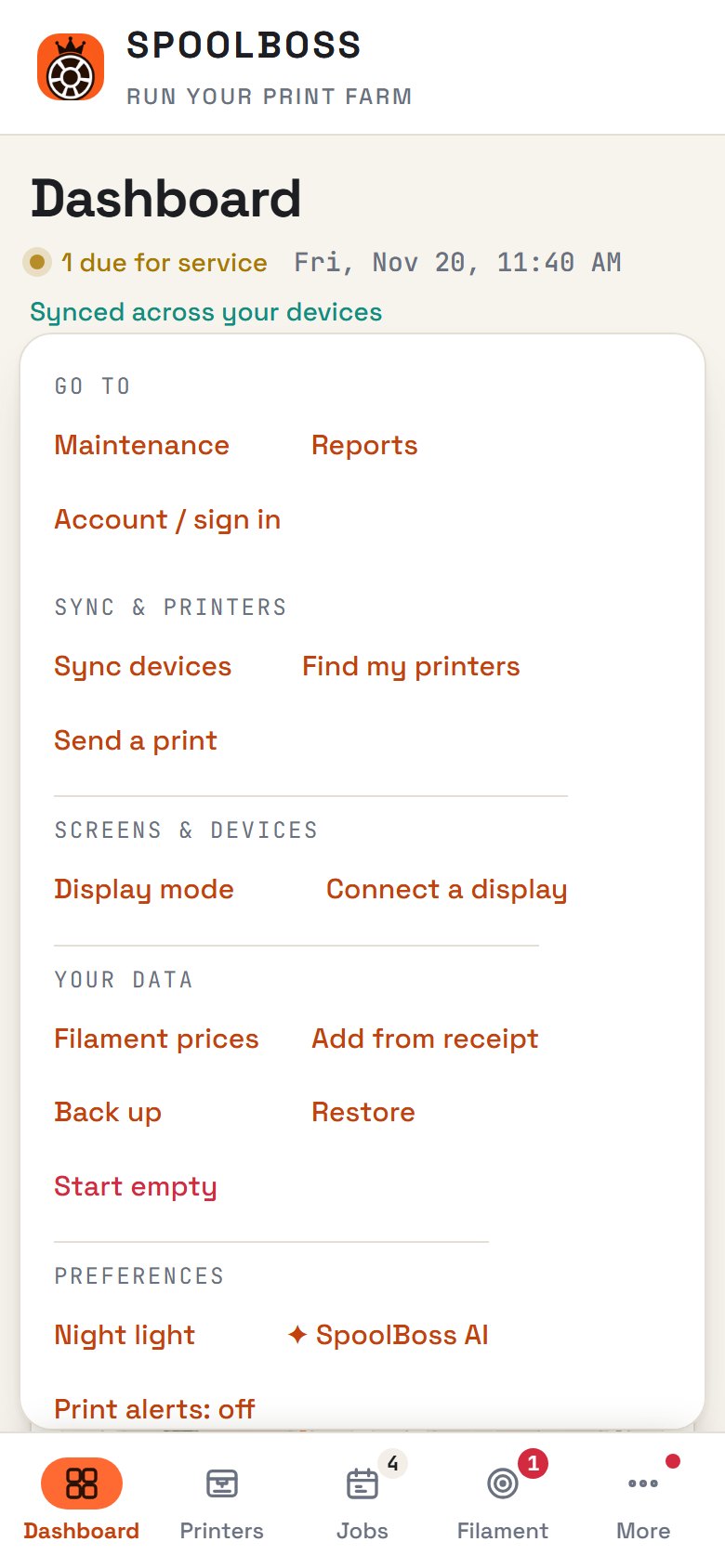
Sign in with the same account you use on your computer. What is on each device is combined into one farm.
Next guide: Get started: add your printers and filament