Guide · 4 min
Get started: add your printers and filament
From an empty app to a working dashboard in about five minutes. No account needed to begin.
- 01
Open the app
Go to spoolboss.tech on your computer or phone and choose Open the app. It starts empty and saves everything on your device straight away.
- 02
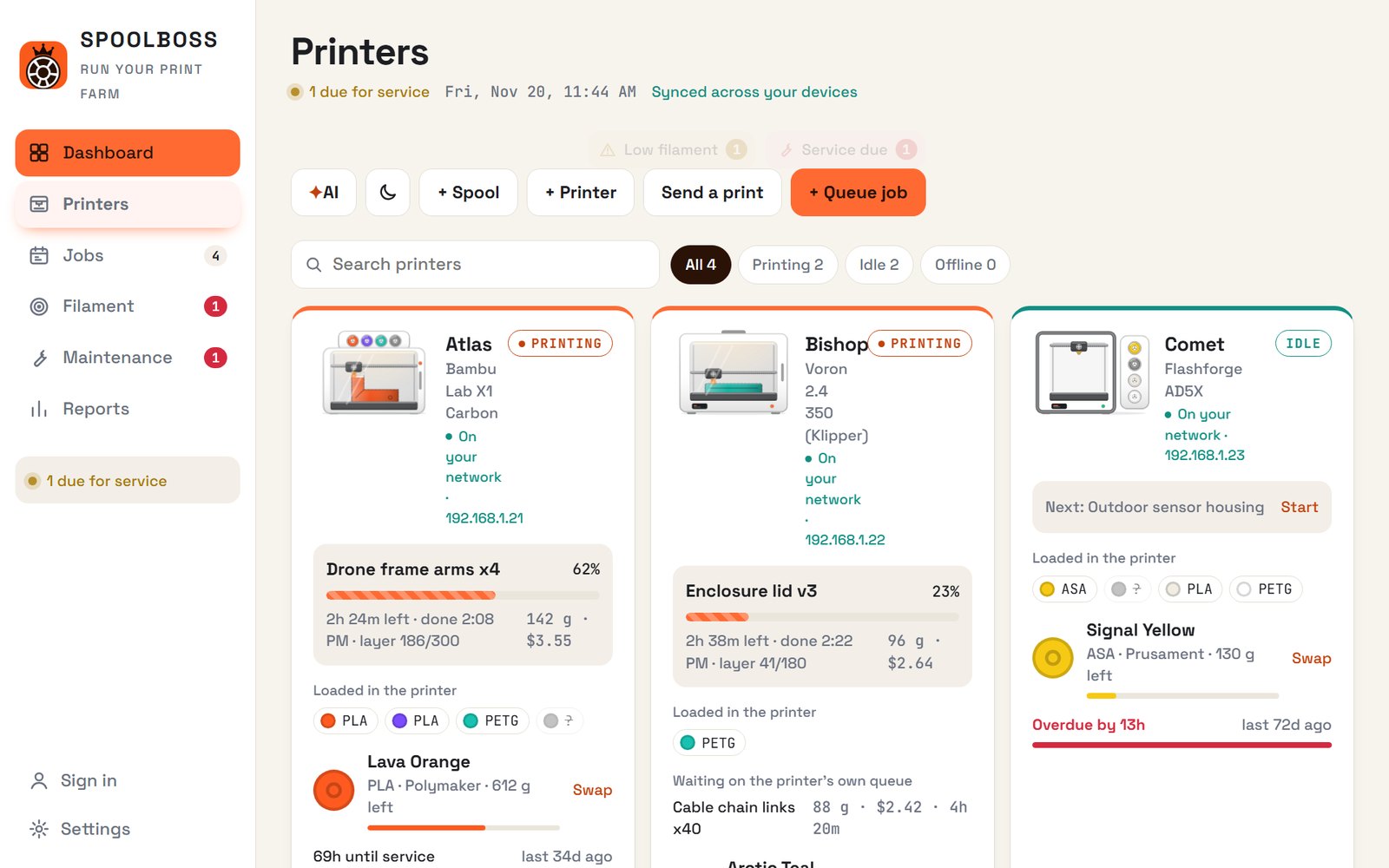
Add your first printer
Press + Printer at the top. If the SpoolBoss Connector is running on your network, the app looks for printers by itself and lists what it finds. Otherwise type the name and model yourself. Give each printer a short name you will recognise.
- 03
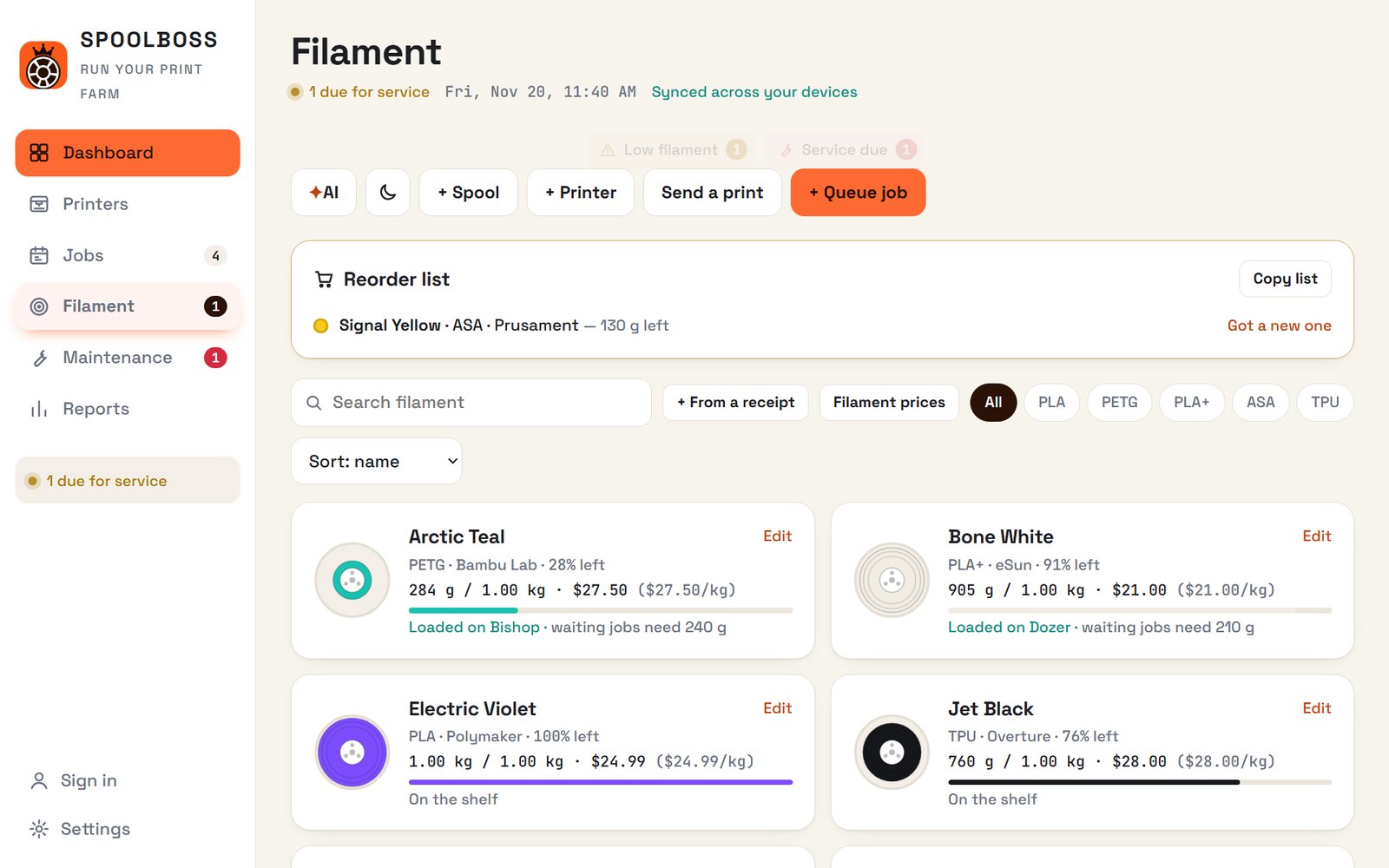
Add your filament
Press + Spool and enter the brand, material, colour, weight and what you paid. The price is what lets SpoolBoss work out what each print costs. Have a receipt? See the filament guide for a faster way.
- 04
Tell it what is loaded
Open a printer and choose which spool is on it. Printers that report live status show what is loaded in each slot by themselves.
- 05
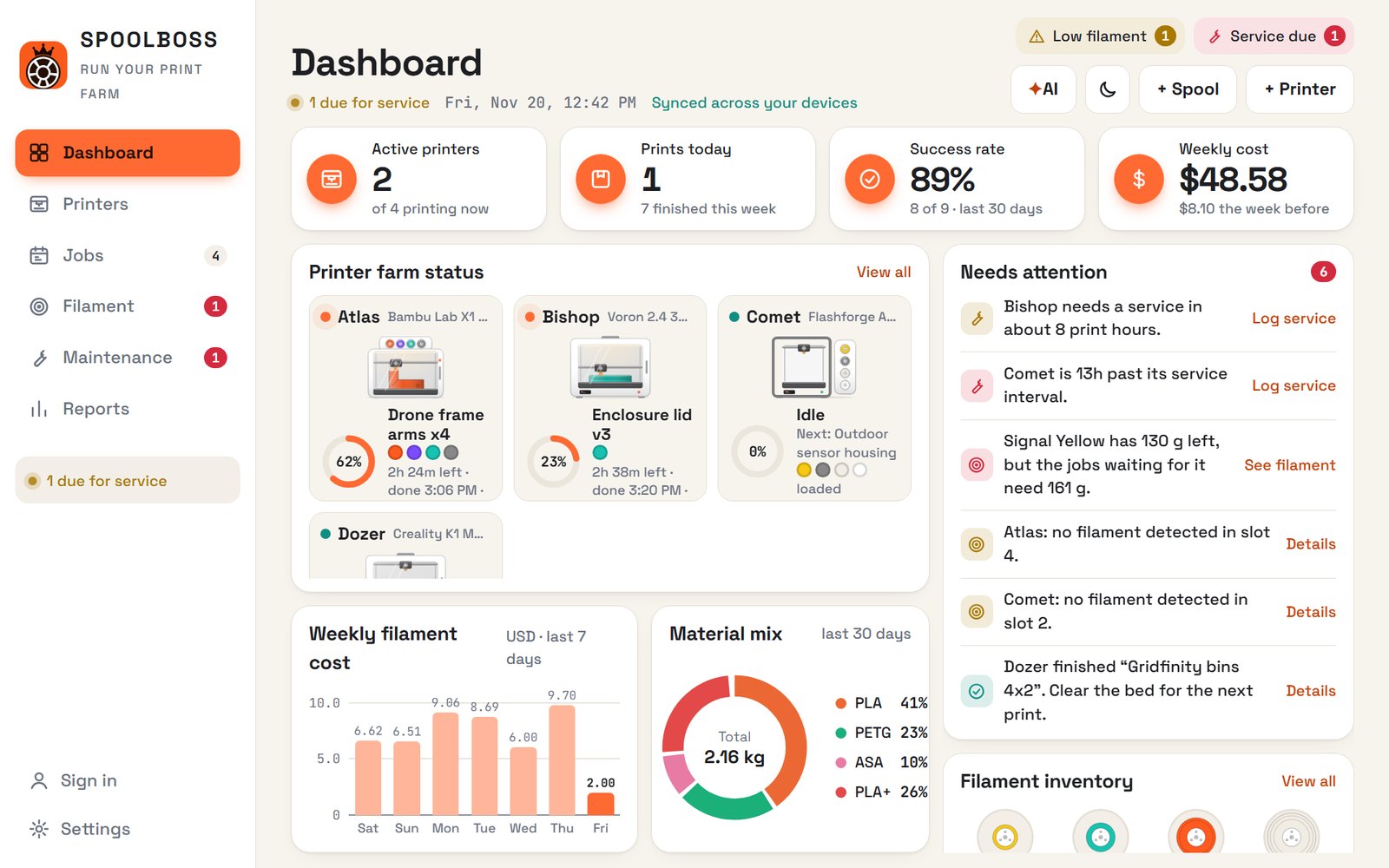
Check the dashboard
The dashboard now shows every printer, this week's cost, your filament and anything that needs attention. This is the screen to leave open.
Next guide: See your printers live with the SpoolBoss Connector