Maintenance
A maintenance tracker that counts print hours for you
Service each printer when it has earned it. SpoolBoss counts print hours per machine and tells you when one is due.
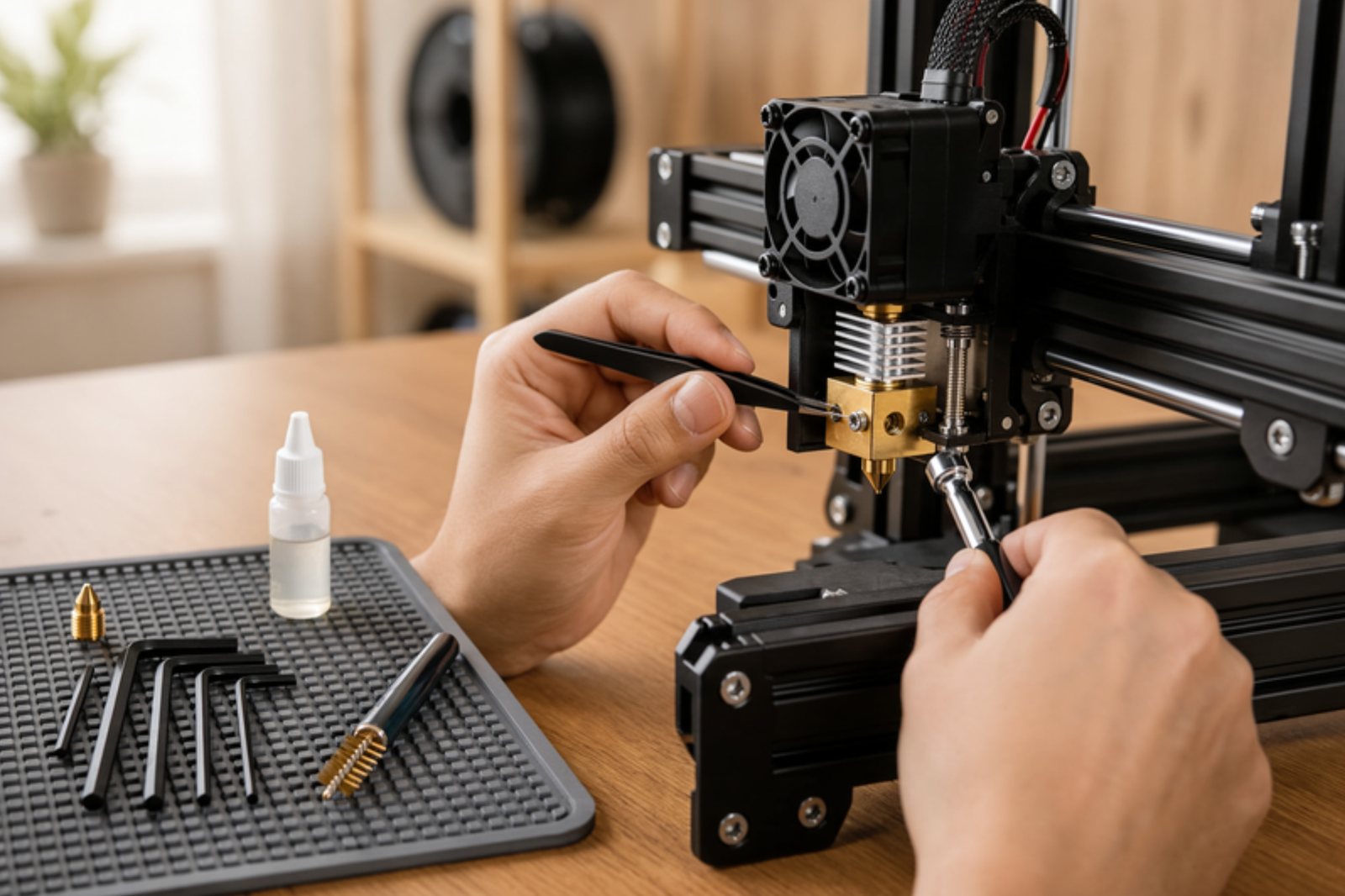
Hours, not dates
A printer that ran 300 hours this month needs more care than one that ran 10. SpoolBoss keeps a counter of hours printed since the last service for every machine, and fills a bar as it prints.
| When | What to do |
|---|---|
| Every 50 print hours | Clean the bed and nozzle, clear debris, watch one first layer |
| Every 200 print hours | Check belts, screws, fans and motion; clean and lubricate |
| Every 500 print hours | New nozzle, inspect the PTFE tube and wiring, run calibration prints |
One tap to log a service
When you have cleaned, tightened and lubricated, mark the service done. The counter resets, today's date is saved, and the job goes into the printer's maintenance history with any note you add, such as a new nozzle size.
It counts by itself
With the free SpoolBoss Connector running on a Windows computer, printers on your network report the prints they finish, and those hours are added automatically. Without it, hours are added from the jobs you mark as done.
See the whole farm at a glance
The Maintenance view lists every printer with its hours since service and how close it is to the interval you chose. Printers that are due move to the top and appear under Needs attention on the dashboard.
Common questions
How often should a 3D printer be serviced?
By print hours: a quick clean every 50 hours, a mechanical check every 200 hours, and a deeper service with a new nozzle about every 500 hours suits most desktop printers. Abrasive filament shortens nozzle life.
Can I set a different interval for each printer?
Yes. Every printer has its own "service every N print hours" setting, so a hard-working machine can be on a shorter interval than one that prints occasionally.
Does it work with my printer?
Any printer can be added by hand and tracked by the jobs you log. Printers found on your network (Klipper with Moonraker, Bambu Lab, FlashForge and others) can also report finished prints automatically through the free Connector.