How-to · about 10 min
How to load and unload filament
Swap filament spools cleanly by heating the nozzle, pulling the old strand out, and feeding the new one until it extrudes in a steady, single-colour line.
- 01
Check the filament types
Find the recommended nozzle temperature for both the old and the new filament, printed on the spool label or in the maker's guidance. Typical ranges are about 190 to 220 C for PLA, 230 to 250 C for PETG and 240 to 260 C for ABS. When the two differ, use the higher temperature for the swap. If you are loading ABS or ASA, make sure the room is well ventilated.
- 02
Heat the nozzle
Use the printer's preheat or filament change menu to heat the nozzle to the temperature you chose. Wait until it reaches the target and holds steady for about 30 seconds. From this point the nozzle and heater block are hot enough to burn you, so keep fingers away from them.
- 03
Unload the old filament
Start the unload function from the menu, or press the extruder lever to release its grip. Push the filament down gently about 10 mm first so the soft tip is not caught, then pull it back out in one smooth motion. If you are using a Bowden tube, keep pulling until the strand is fully out of the tube.
- 04
Store the old spool
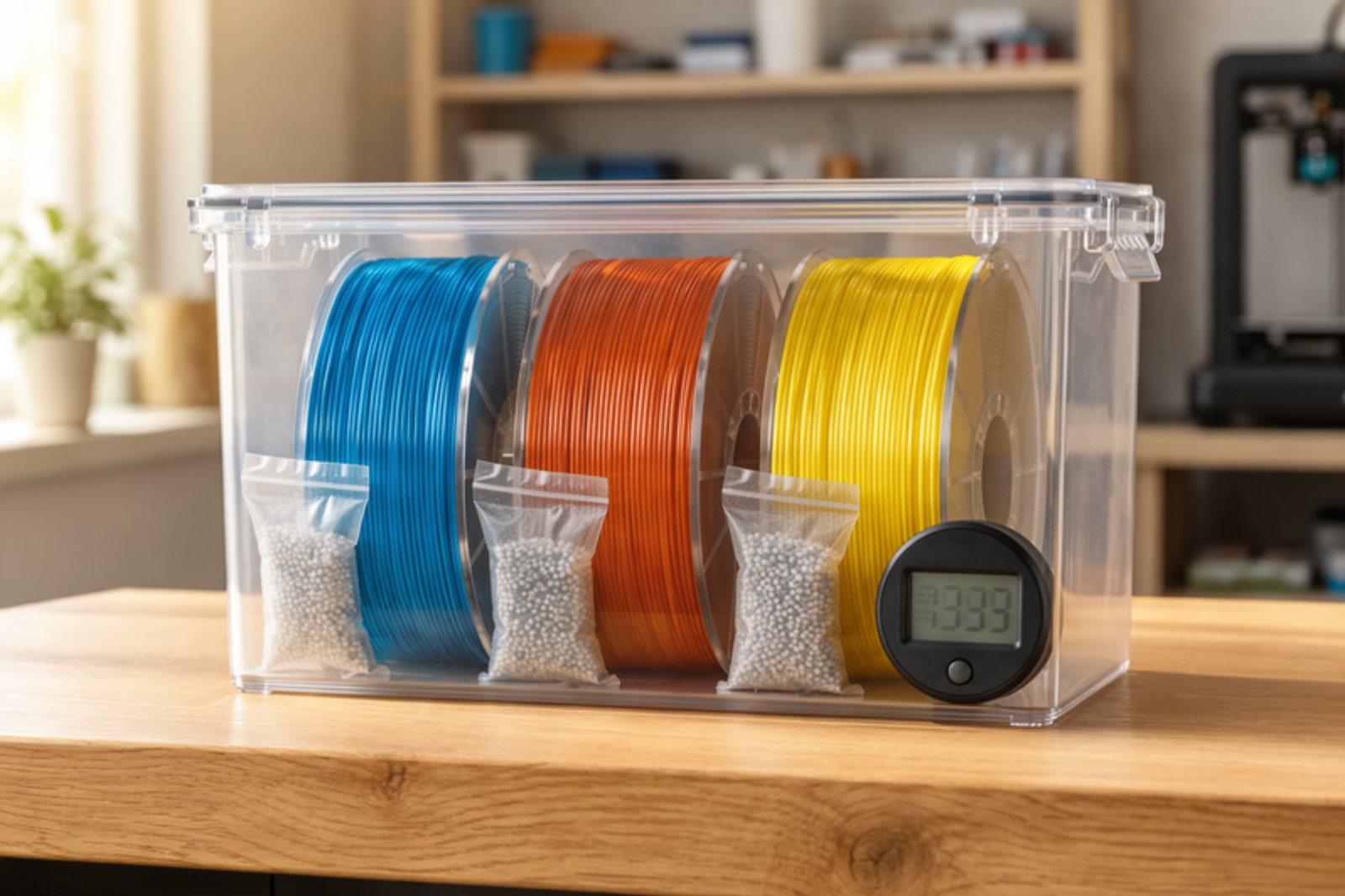
Snip off the melted or deformed tip with the cutters. Push the loose end through one of the holes in the spool rim so it cannot unwind or tangle. Put the spool in a sealed bag or box with desiccant to keep moisture out.
- 05
Prepare the new filament
Cut the end of the new filament at a sharp angle of about 45 degrees so it feeds easily. Straighten the first 10 to 15 cm of the strand with your fingers so it does not curl against the extruder walls. Mount the spool on the holder so it unwinds without twisting or rubbing.
- 06
Feed the filament into the extruder
Hold the extruder lever open, or start the load function, and push the filament into the inlet. Keep pushing until you feel the extruder gears grab it and pull it in. On a Bowden printer, keep feeding until the filament reaches the hot end, which can take several seconds.
- 07
Purge until the flow is clean
Let the extruder push out filament, or extrude 50 to 100 mm using the menu. Watch for a thin, steady strand of the new colour with no traces of the old colour and no bubbles or popping sounds. Do not touch the purged plastic coming from the nozzle; let it fall onto your cloth or paper.
- 08
Clean up and cool down
Once the flow is clean, use tweezers to pull the purged strand away from the nozzle while it is still hot, not with your fingers. Clear any blobs from the print bed. If you are not printing right away, turn off the heater and let the nozzle cool before touching anything nearby.